Evidence Before Expansion
AI That Pays Back, Fast.
If AI will not save time, reduce cost, or protect revenue in a believable way, we recommend not doing it.

Founder
Dave Pengelley
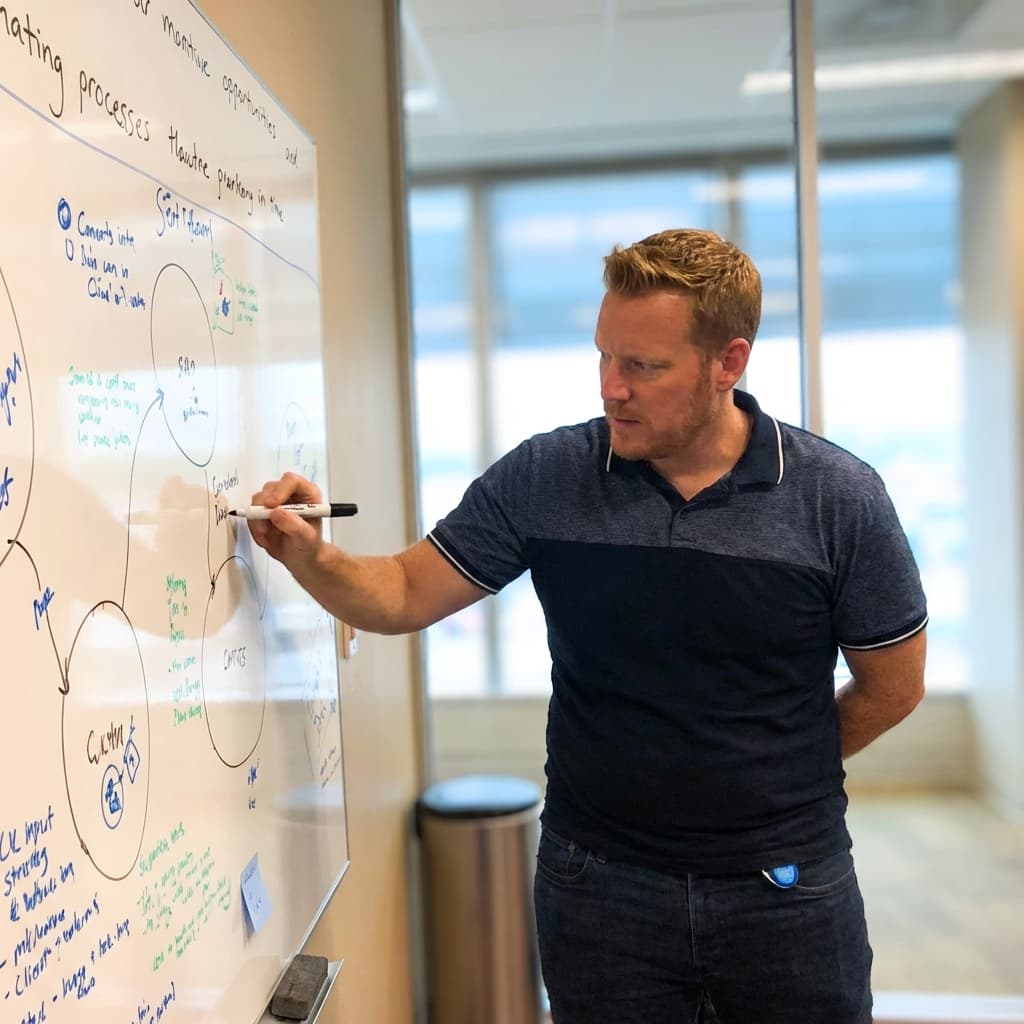
About The Founder
The Architect Behind The Systems.
Hi, I'm Dave. I founded Valid Agenda with a single belief: Complexity is the enemy of execution.
Most consulting firms try to impress you with jargon and black-box solutions. I prefer to hand you the blueprint. I've spent my career decoding how high-performing businesses actually operate—stripping away the fluff to reveal the logical machinery underneath.
My role isn't just to advise; it's to act as your operational architect. I help you build the systems that allow your business to scale without breaking, ensuring that every piece of technology you add pays for itself.
The Problem
Why most AI efforts
disappoint.
Most businesses treat AI as a "tool" problem. They buy subscriptions, hope for magic, and end up with "expensive entertainment."
The reality is simpler: If you cannot mathematically prove where AI saves time or protects revenue, you should not be building it.
Tool First, Logic Second
Implementing software before defining the manual workflow it replaces.
Broken Value Math
Assuming 'saving 5 minutes' equals profit, without accounting for context switching.
The 'Novelty' Trap
Building chatbots that look cool but solve zero critical business friction.
The Value Model
Smart Hands, Not Magic Wands.
We don't sell "AI". We sell freed capacity. Calculate your Cost of Inaction →
"This is not cost cutting. We didn't fire anyone. This is freed capacity. That team now handles 25% more client volume with zero burnout."
Our Philosophy
Diagnosis Before Prescription.
Most agencies pitch solutions before they understand the problem. They sell you a "Standard Operating Procedure" that becomes expensive shelf-ware.
We operate differently.
We don't touch code, we don't build automations, and we don't hire teams until the math works. We map the context first. If the ROI isn't obvious, we tell you to stop.
"We charge for outputs, not activity. You pay for the clarity, not the hours."
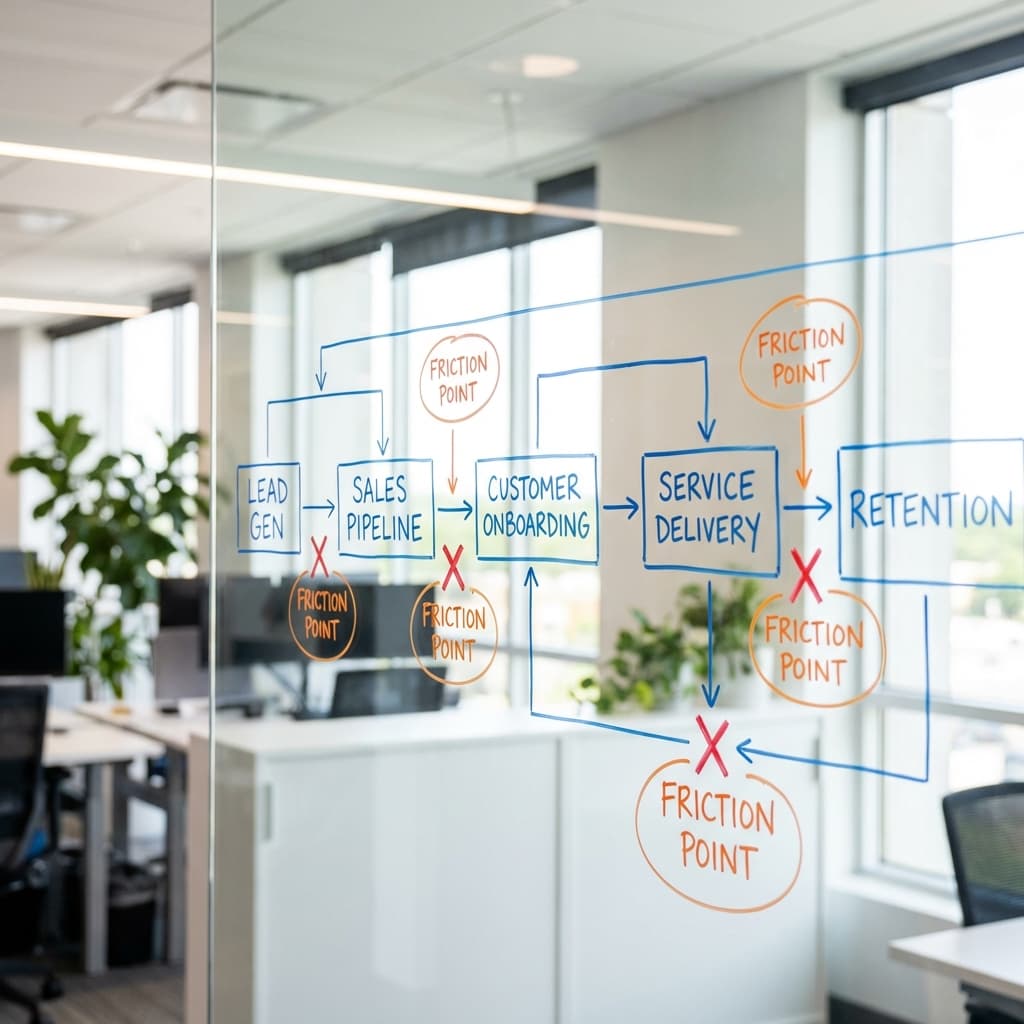
From Chaos to clarity in one step.
The Problem
A client’s team was manually copying notifications from one system to another. It was a standard process, but the risk of "fat finger" errors meant a human had to verify every single entry.
The Fix
We didn't build a complex AI bot. We built a simple bridge. Now, the system sends an alert to the operator's phone. One tap to "Approve" or "Reject".
The Result
Once approved, the data auto-maps and logs itself. The human decision creates the audit trail.
10 Hours Saved Per Month. Zero Code.

Transparent Engagement
Stop Guessing. Start Building.
We charge for outputs, not hours. Pick the level of clarity you need.
ROI Blueprint
A single-page business case to quantify the cost of inaction.
- ✓ Single-Page Business Case
- ✓ "Cost of Inaction" Calculation
- ✓ Investment-Ready PDF
Process Blueprint
A complete heatmap of workflow friction. Delivered in 2 weeks.
- ✓ Workflow Friction Map
- ✓ Implementation Roadmap (Ranked)
- ✓ 4x Value Guarantee ($10k Value)
- ✓ You own the IP / No Lock-in
Advisory Retainer
Ongoing technical architecture, vendor management, and oversight.
- ✓ Full Tech Stack Architecture
- ✓ Developer Oversight
- ✓ Priority Strategy Access
Common Questions
Final Call to Action
Stop Guessing.
Start Demanding Yield.
"I’m an operator, not a salesman. During our Blueprint Session, we will strictly audit your manual workflows and your existing tool stack. If we cannot identify a prioritised set of opportunities with a projected ROI higher than the cost of the Blueprint itself, you pay $0."
Book your Blueprint Session
Secure your slot. 100% money-back guarantee if we don't find value.
Book Alignment CallLimited availability for Q1